Cards that follow your finger.
Basecamp boards, finally native.
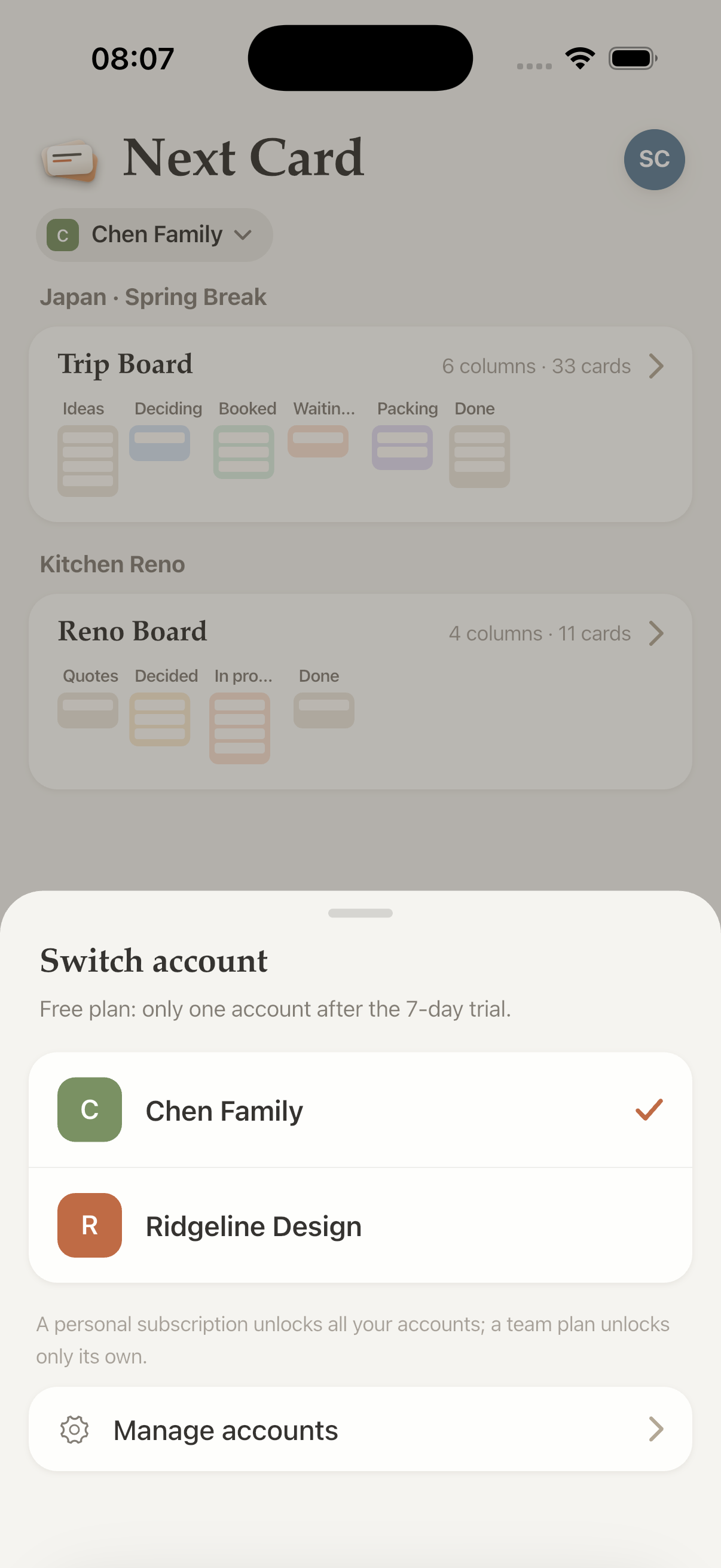
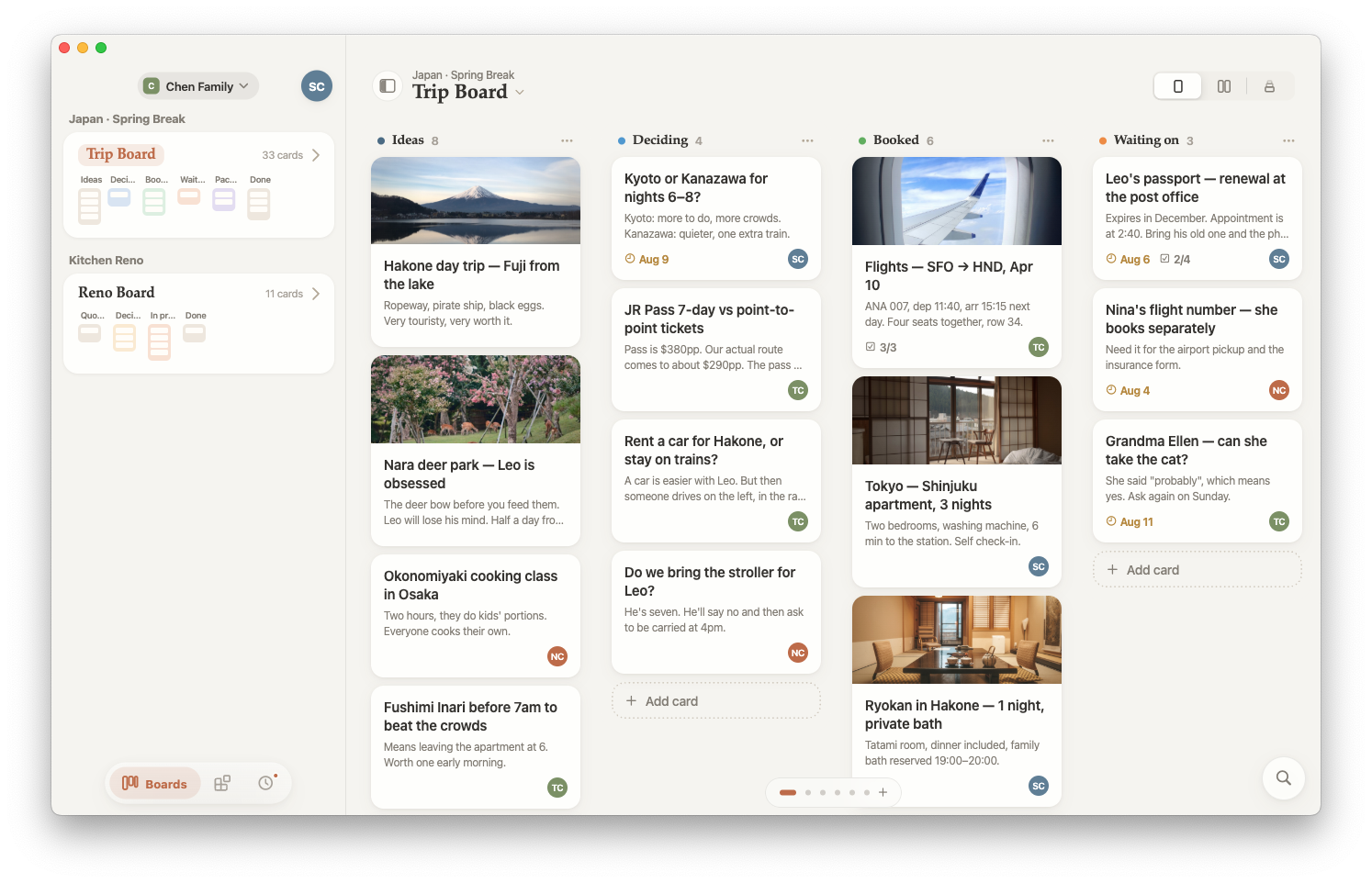
Basecamp runs as a web page on every screen — we always felt the phone could do more. Next Card is our first bet: a card table made just for your phone, where cards drag with real physics and a whole board fits one thumb.
The best tool for your phone is one built just for it.
Basecamp is genuinely powerful — but as long-time Basecampers, it sometimes feels a little crowded. We wanted a sharp, focused knife instead of a Swiss Army one.
Things Next Card does differently
Not just a faster board. A few things that only happen when a card table is built natively for the screen in front of you.
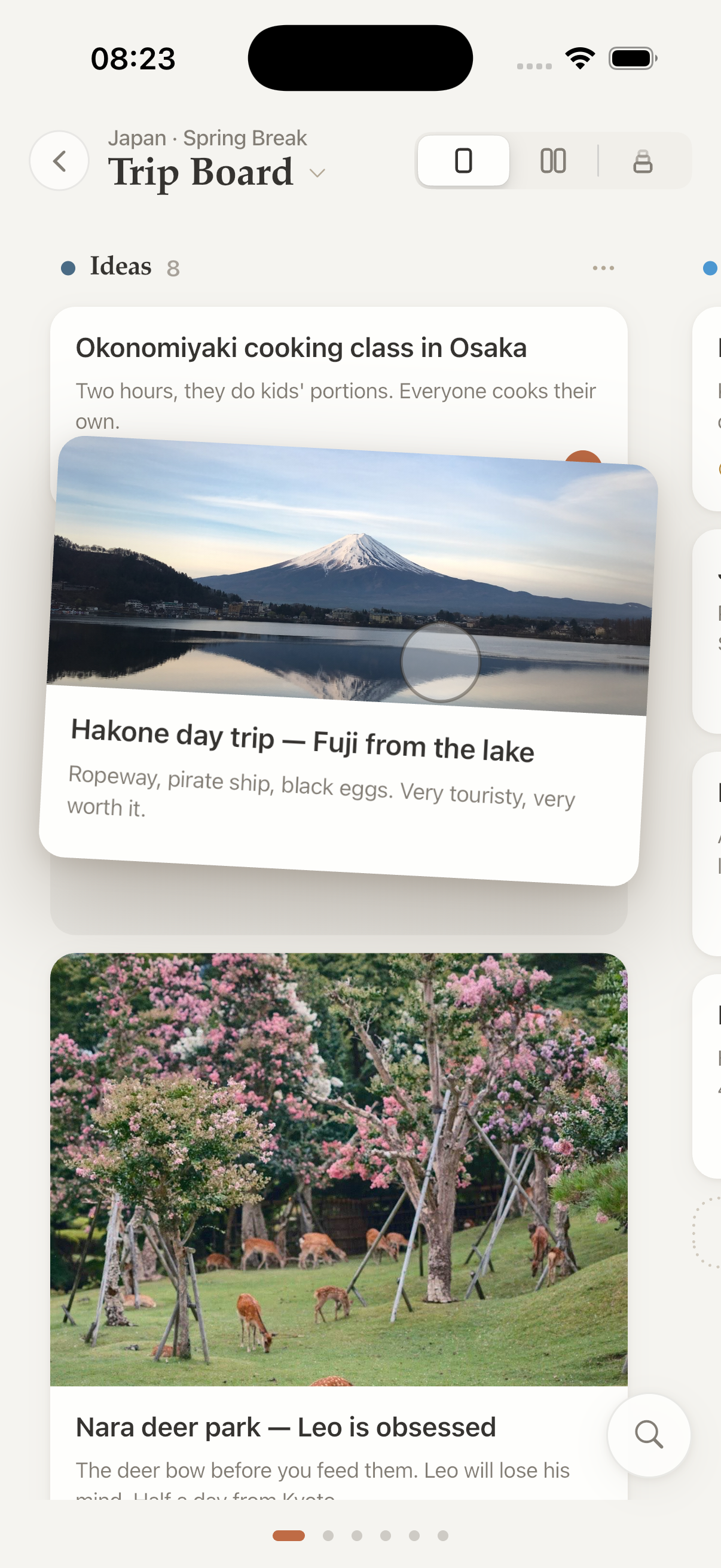
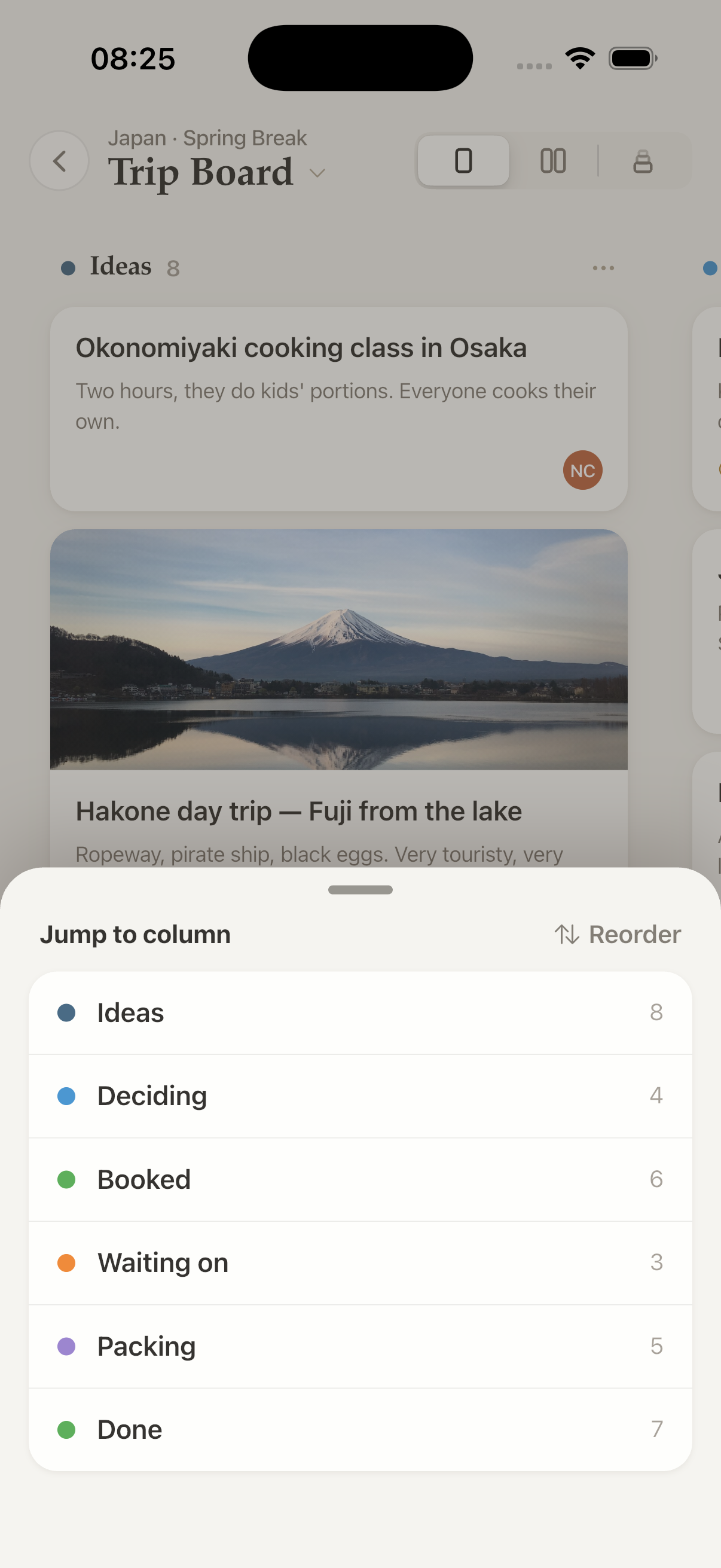
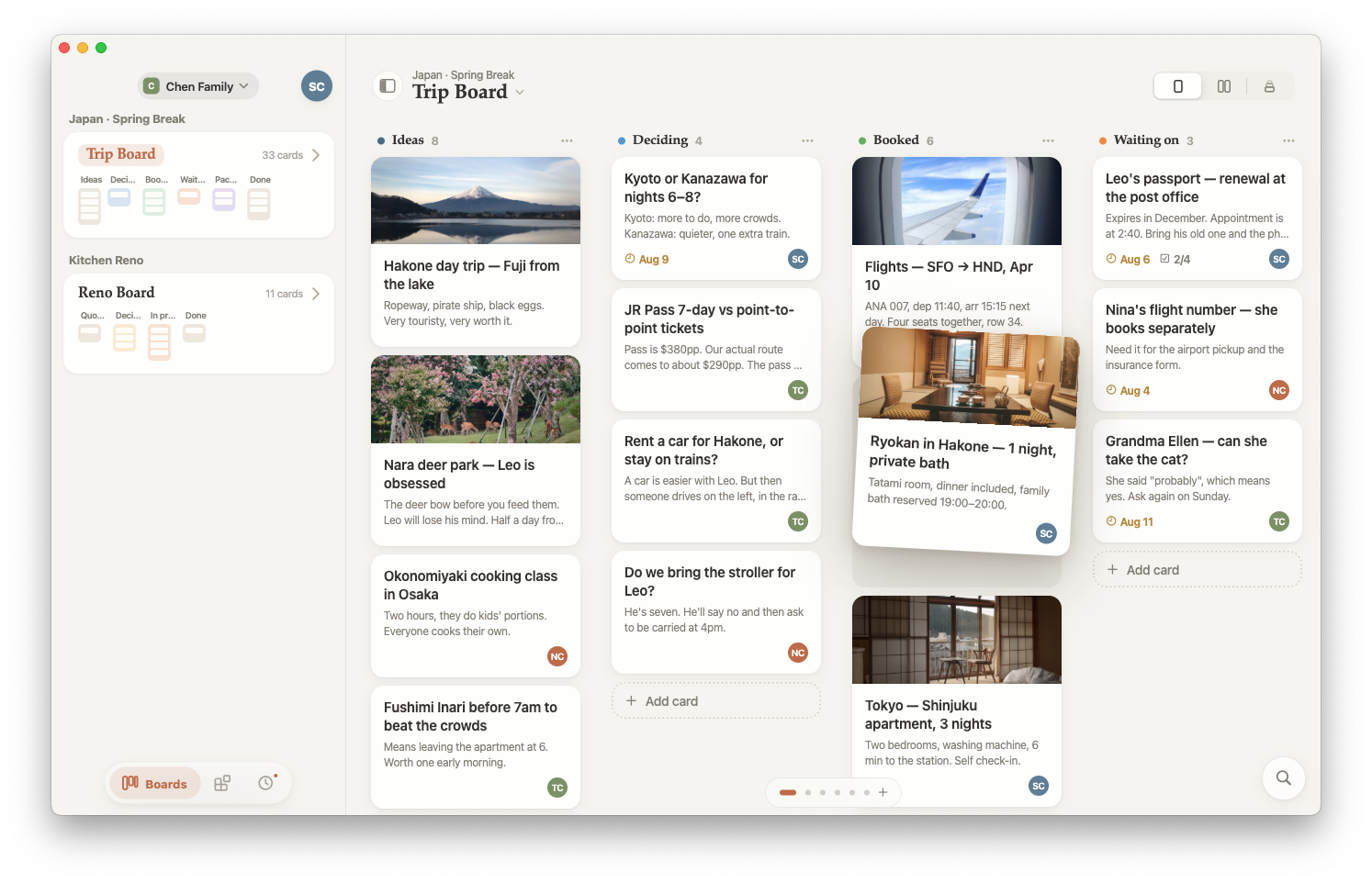
Drag that follows
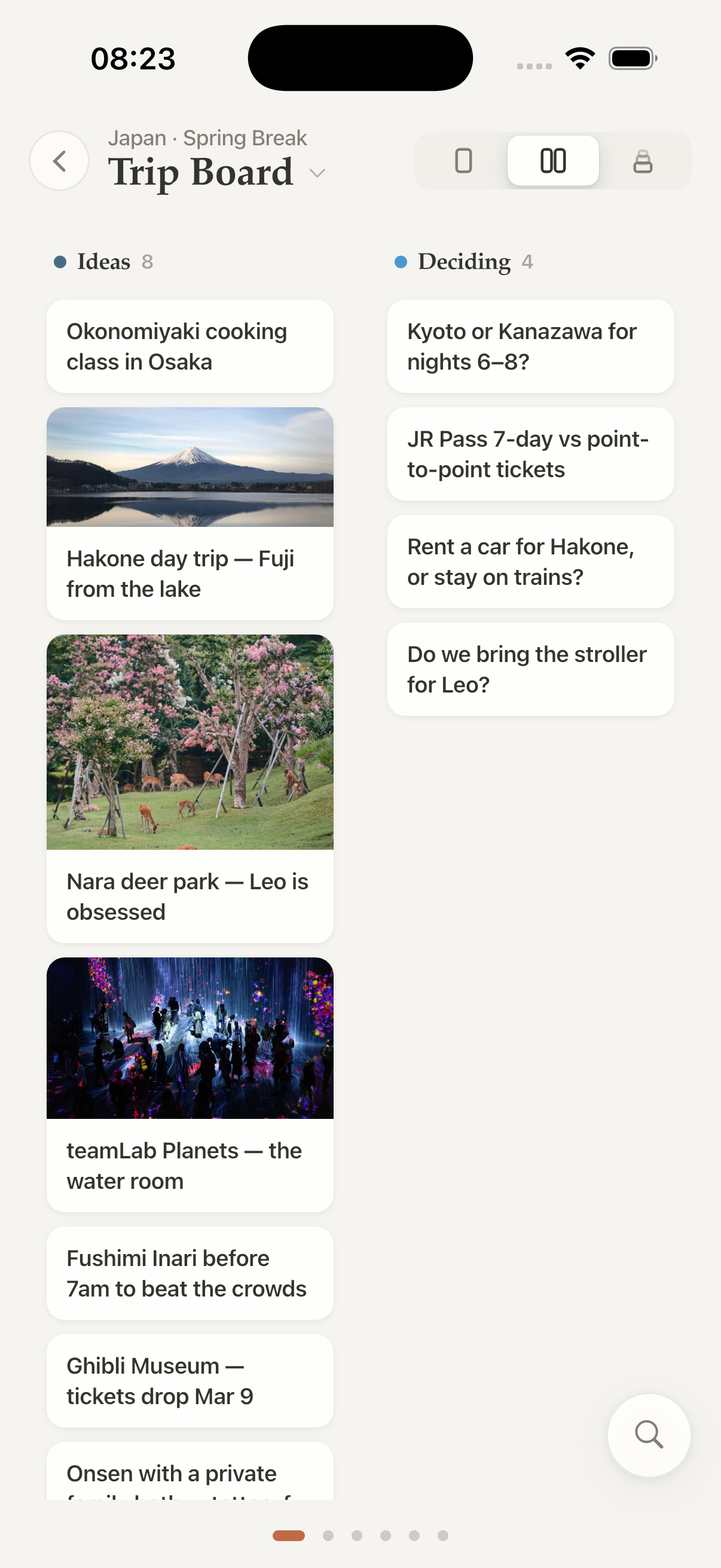
Lift a card and it tilts as its shadow deepens; the cards below spring aside. The drop target is a dent in the paper — no insertion line, because real paper never needed one.
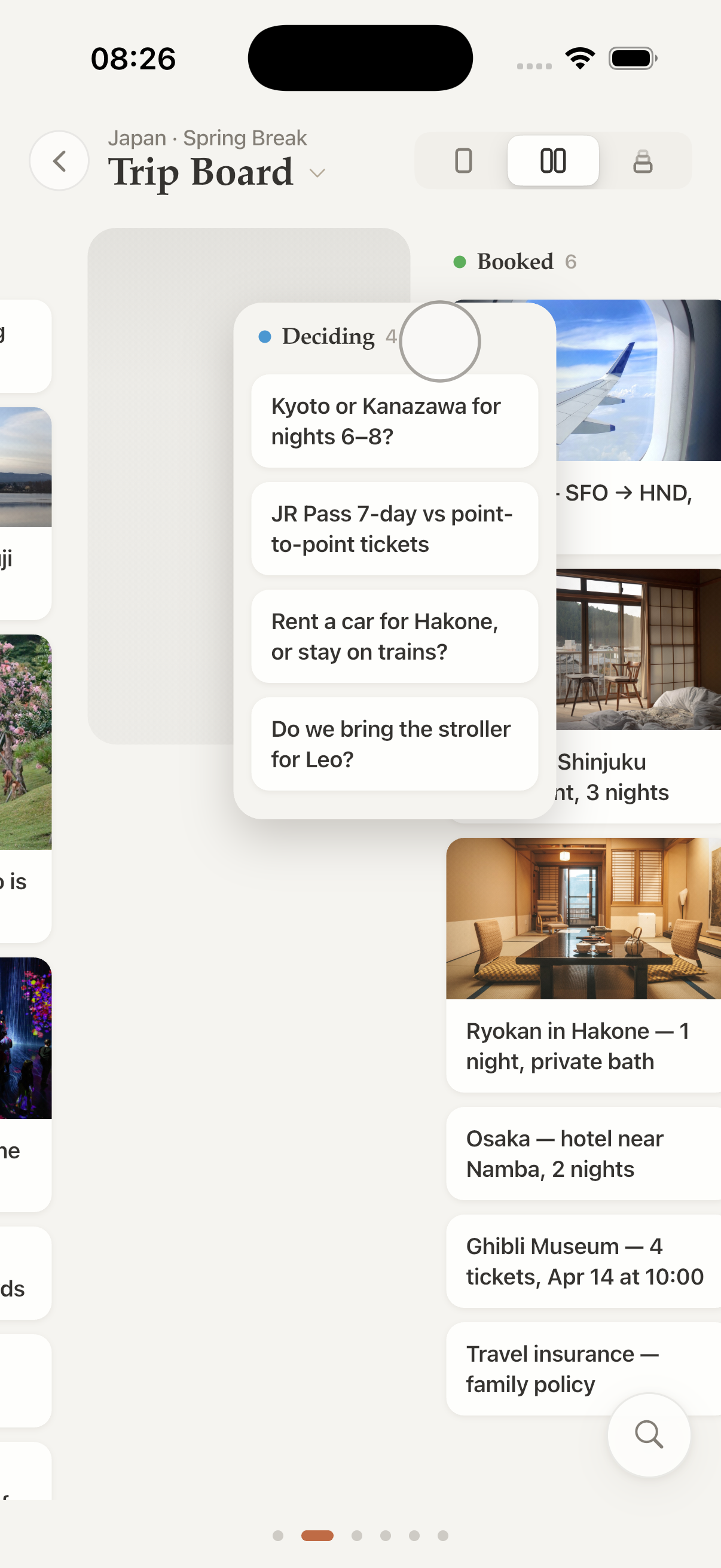
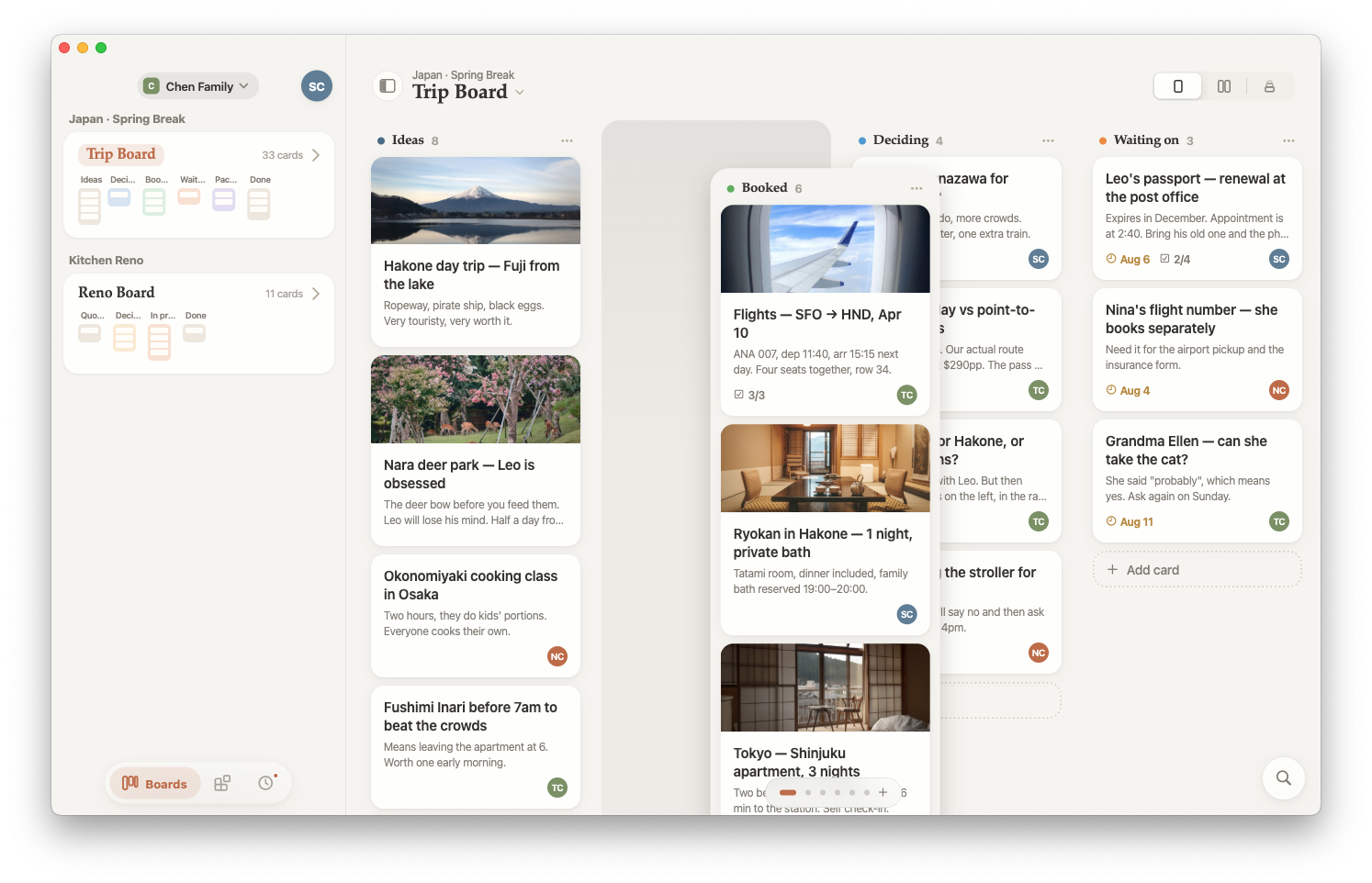
Time Machine
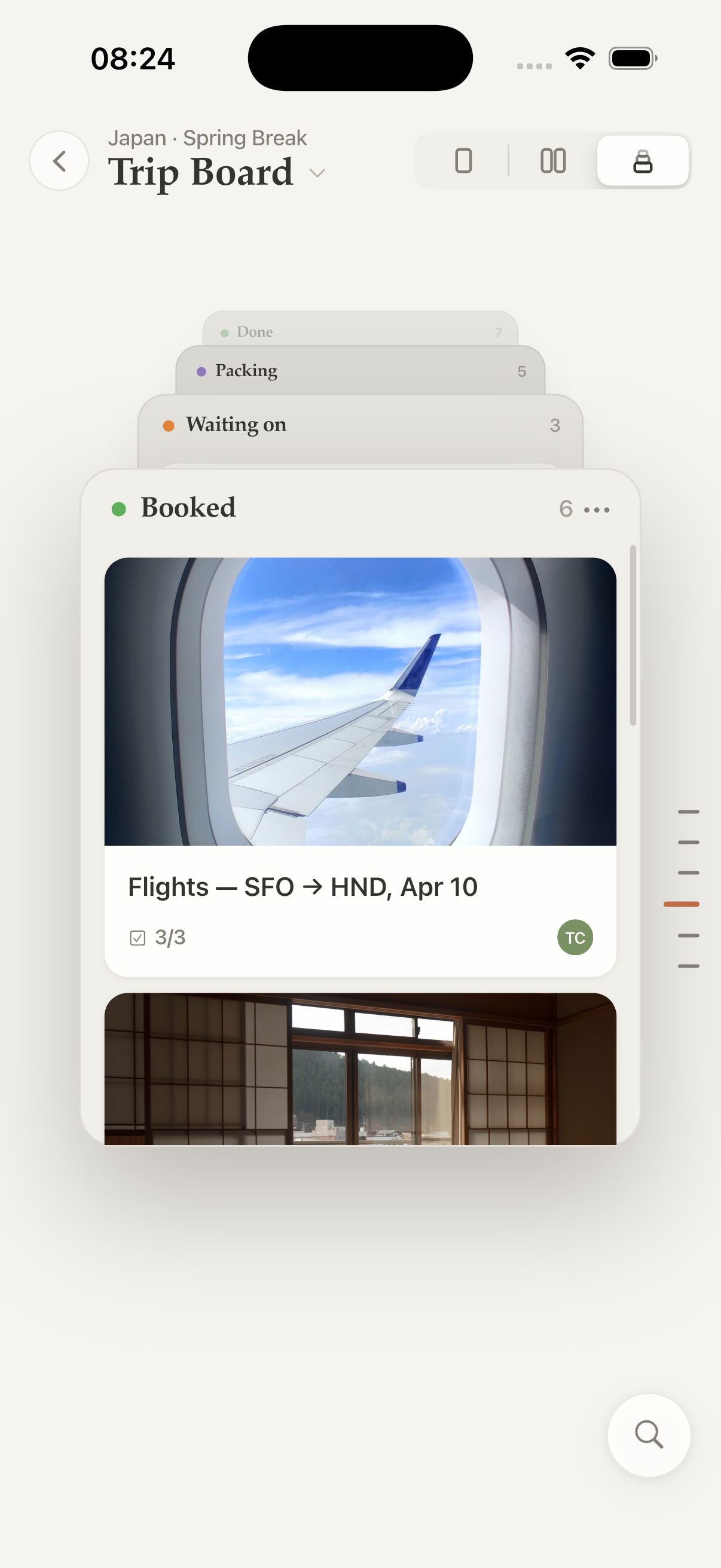
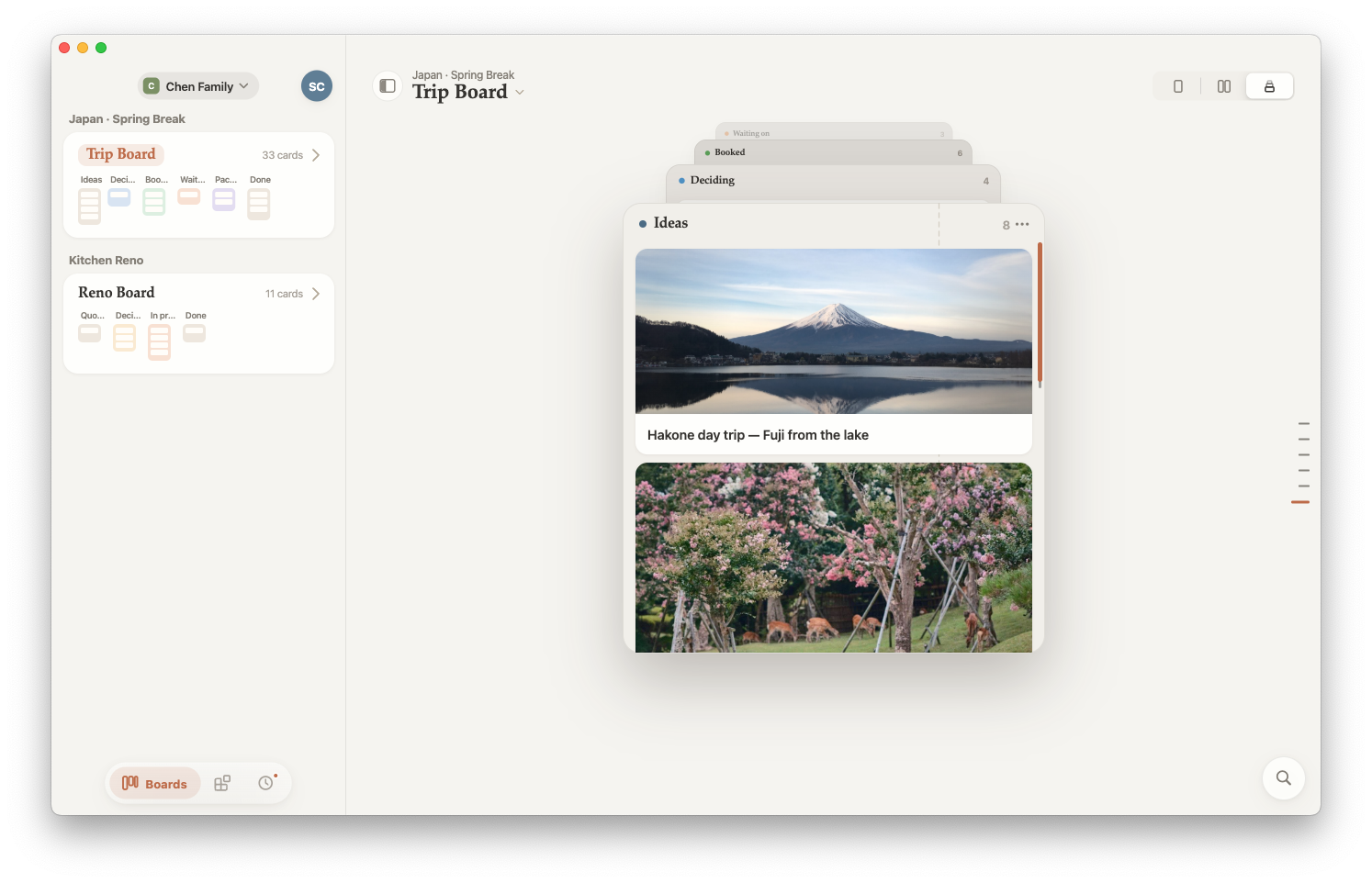
Columns recede into a tunnel. Push up to travel through them, one column at a time — a seven-column board read in a single screen instead of seven swipes.
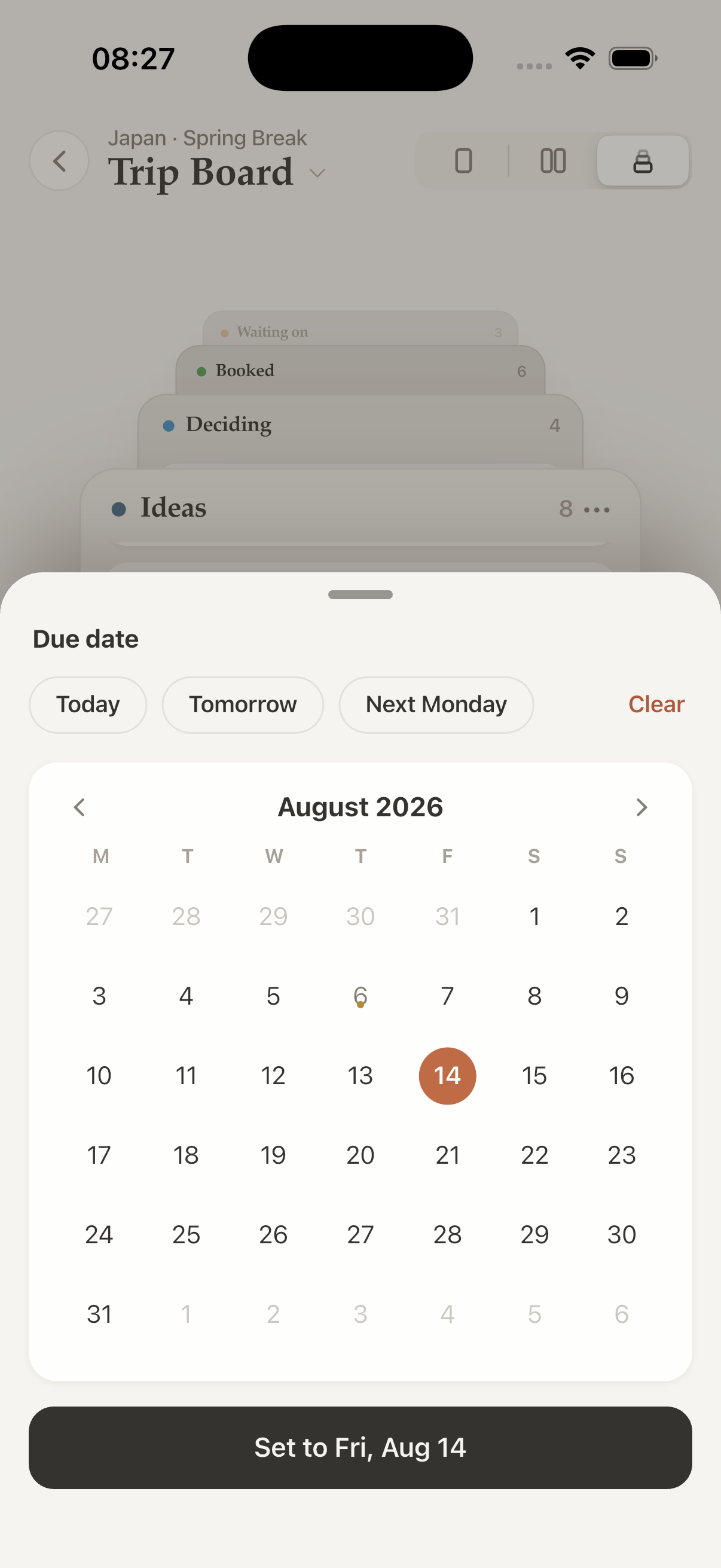
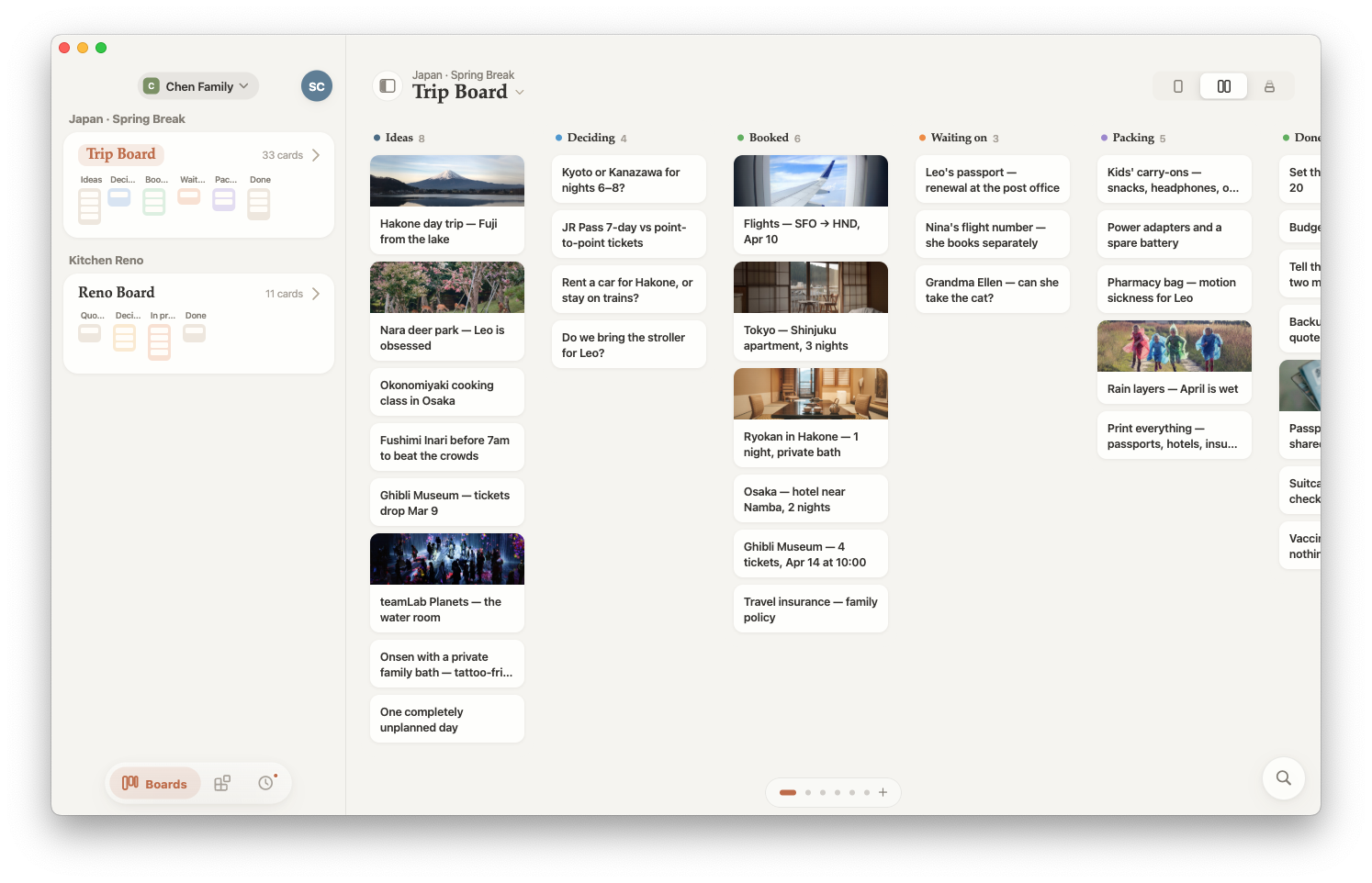
The shape of a board
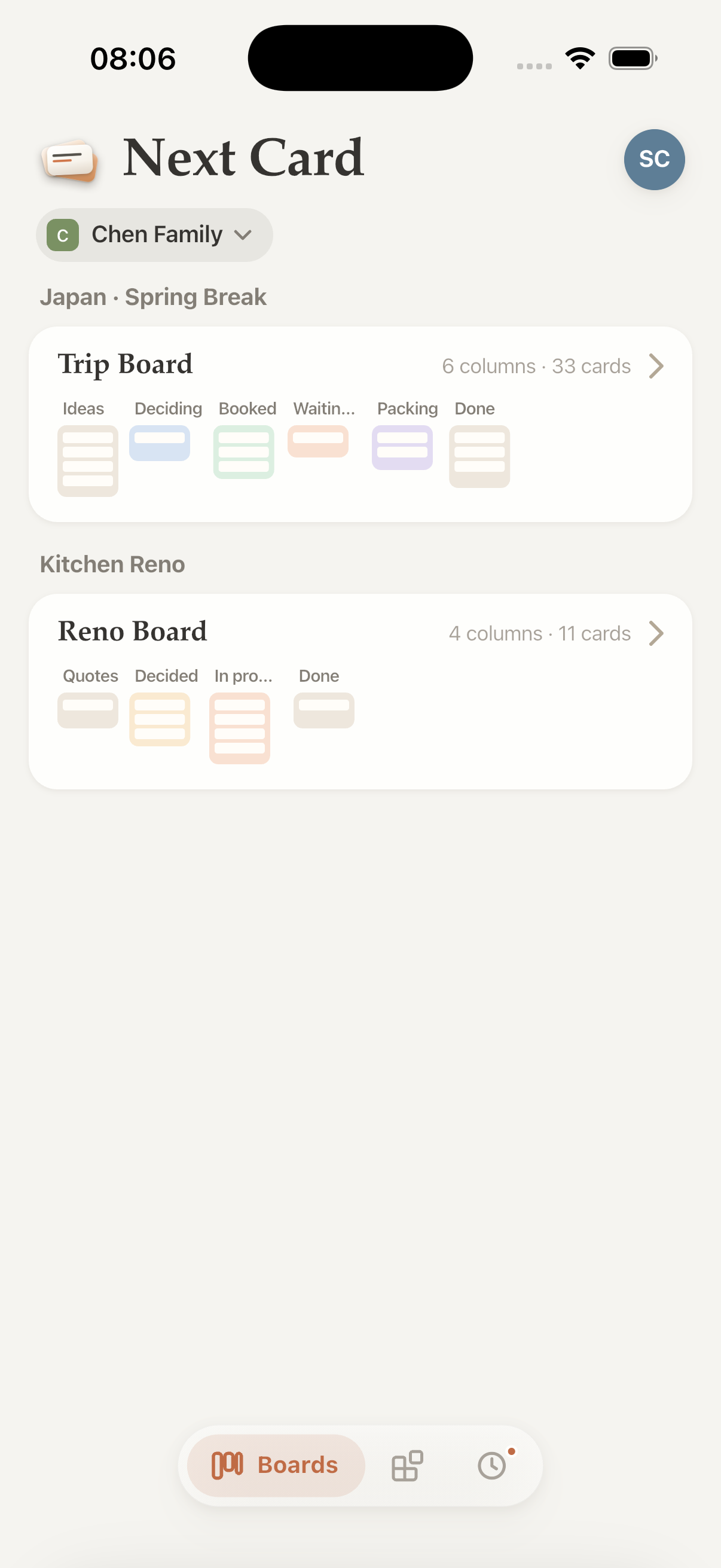
Every board in the list carries a minimap: see at a glance whether it is front-loaded or all jammed up in review. “7 columns · 31 cards” can never tell you that.
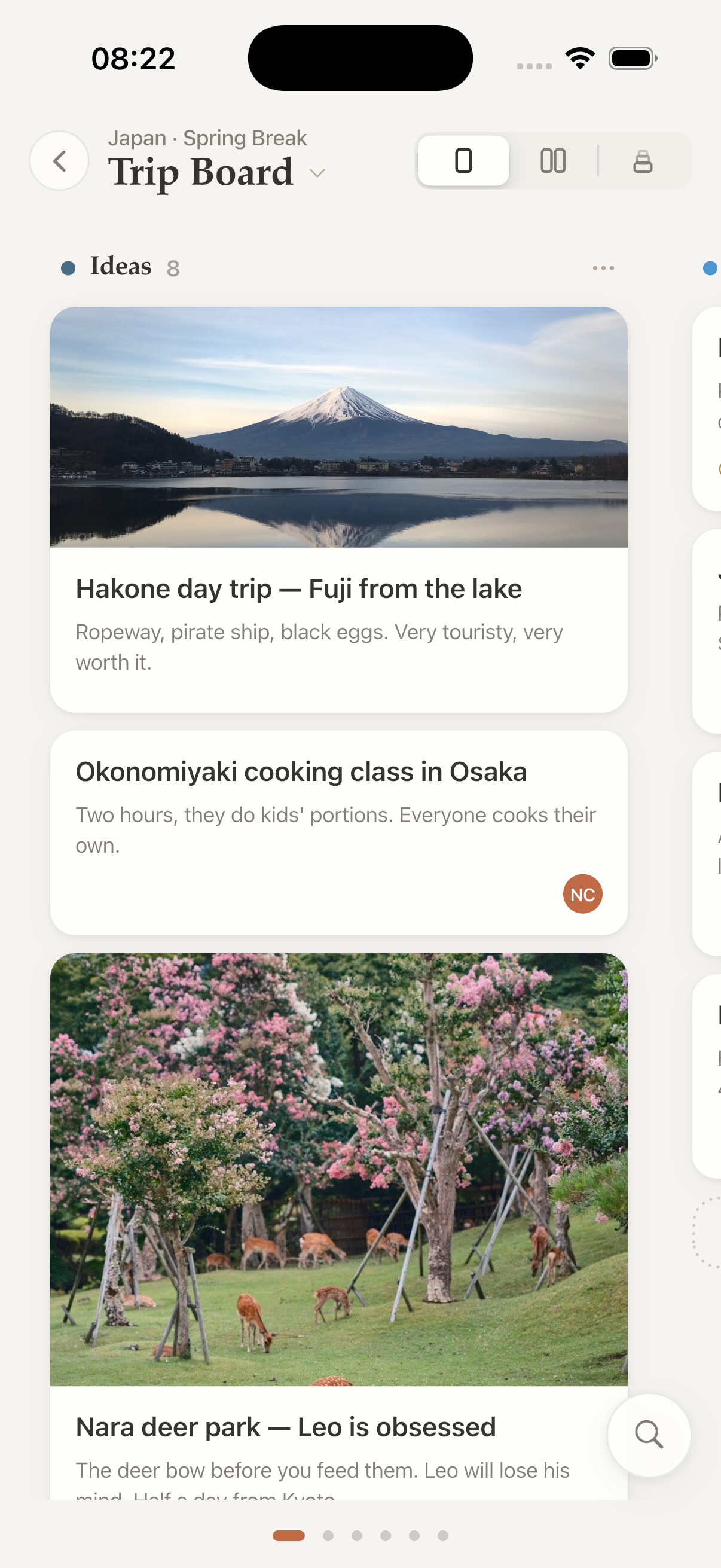
Cards with covers
The first image in a note becomes the card cover automatically. Tall screenshots stay neatly cropped, so every column remains easy to scan.
Sketch right on the card
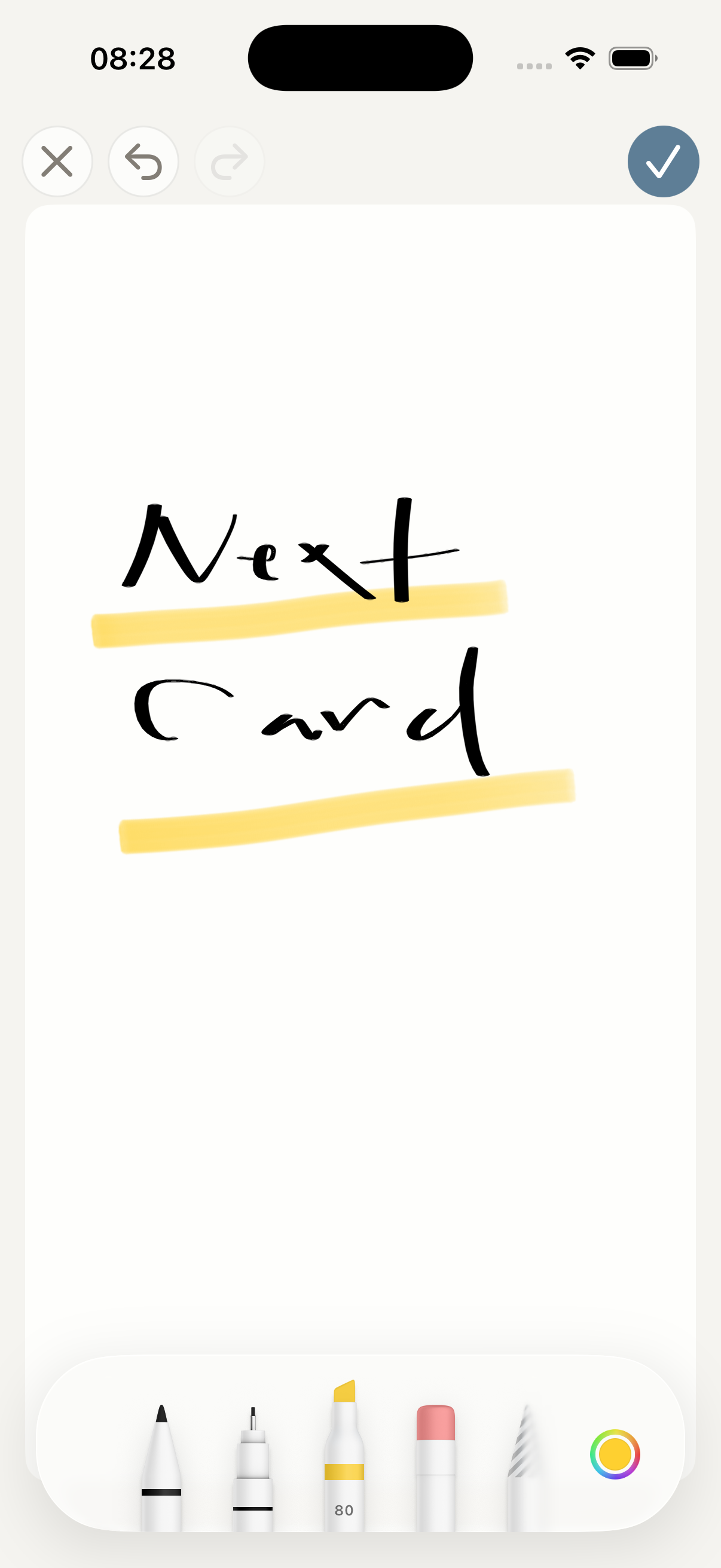
Open a native PencilKit canvas from any card. Draw with Apple Pencil, attach the sketch like an image, then come back later and keep editing the original strokes.
One subscription. Three Apple platforms.
Use Next Card on iPhone, in an iPad split view with the board and card side by side, and on Mac. Each app is shaped for its screen and multitasking — not one responsive web page stretched three ways.
Speed is easy to claim. Feeling at home on the device is harder.
A whole board. Right where you work.
Spread out on iPad or move across the full board on Mac — with the same native feel on every screen.
Playing silently by default. Use the player controls to hear the original soundtrack.
Pricing
Start with 7 days of the full version, no payment info required. After the trial, keep reading one project for free.
- One Basecamp account
- One project, your pick
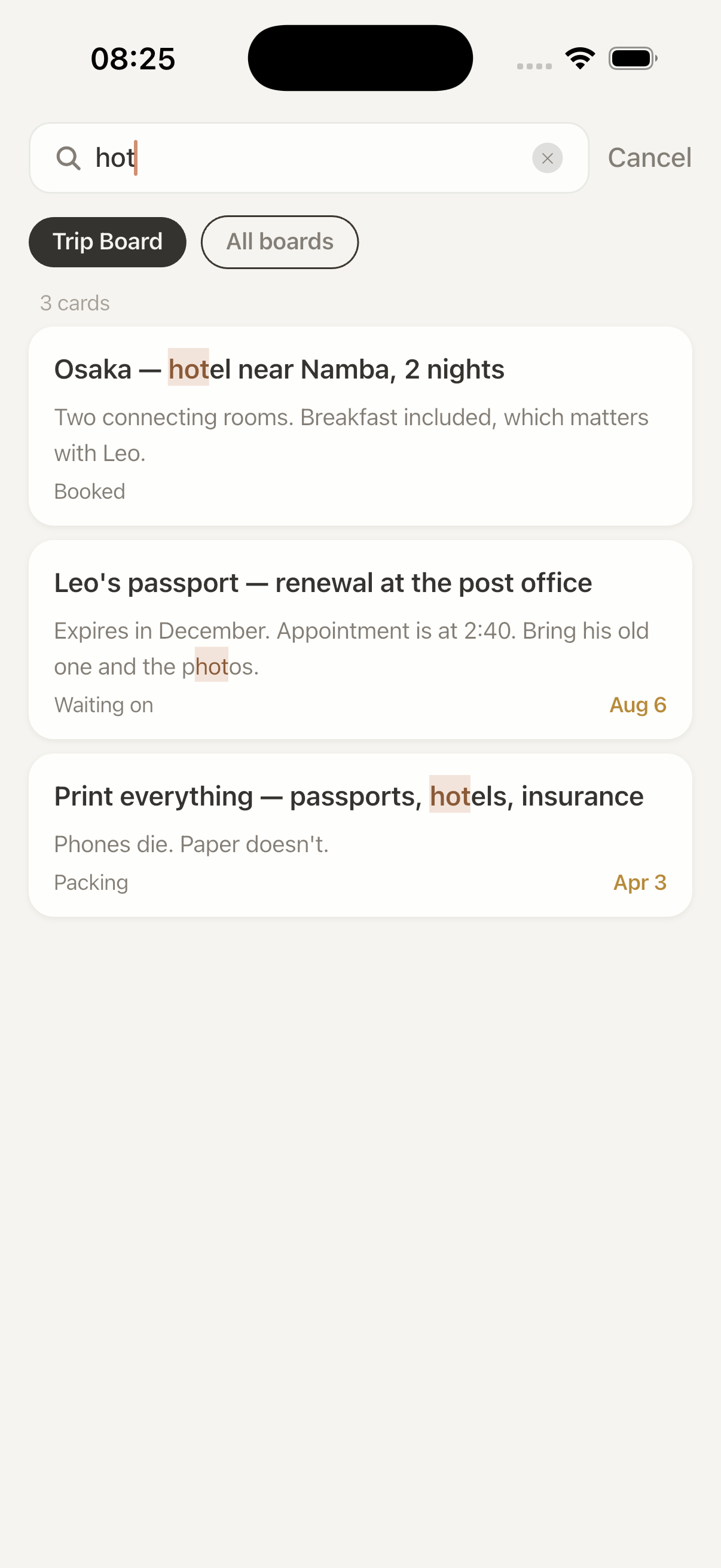
- The full reading experience — covers, minimaps, search and Time Machine all included
- Read-only · No push
- All of your Basecamp accounts and projects
- Drag, create, edit, comment
- Push for mentions, comments, assignments and due dates
- Works across every Next app
- No invites or license keys. Teammates sign in with their own Basecamp accounts and unlock automatically.
- People who leave lose access automatically
- Invoices and tax ID, ready to expense
- Cheaper than buying individually at four people or more
- Works on all platforms
The native layer for Basecamp
Every Next app is included in the same subscription.
Card table. Drag, Time Machine, card covers, board minimaps.
Docs and files. Navigate with document outlines, sketch natively on iOS, find and replace text, and write without distractions in Focus Mode.
To-dos. Checking things off feels like something. A list you can clear in one screen, with overdue items rising to the top.
About
Basecamp has been around for more than twenty years. The apps in the NextRidge suite are not a one-time sale: the subscription is what keeps them maintained, tracking Basecamp's API and each year of iOS. Built to last, not to flip.
We never touch your Basecamp password — sign-in goes through official OAuth and you can revoke it at any time. We don’t copy or store your Basecamp content.